
iPhone charging · 2026 shortlist
Best iPhone chargers for 2026: 4 picks for desk, bag and fast charging
The charger that makes sense depends on where you plug in. Here are four options for a straightforward wired setup, magnetic charging, a permanent desk station or charging away from an outlet.
By WannabeShepherd · · Updated 15 October 2026 with exact Apple charging models
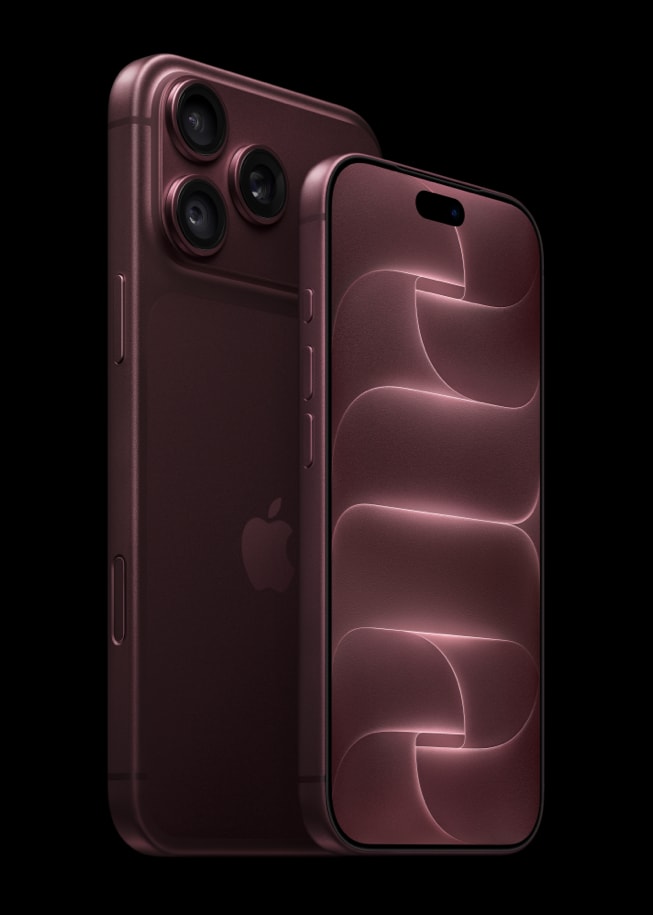
Short answer
- Wired charging: match the adapter and USB-C cable to your phone. For iPhone 18 Pro’s advertised fastest result, verify 60W-capable output with Adjustable Voltage Supply.
- Best wireless pick: Apple's current MagSafe Charger (Qi2 25W certified; power adapter sold separately).
- Best desk station I tested: ESR CryoBoost 3-in-1.
- Best all-in-one travel format I tested: KUXIU K1 Ultra 10,000mAh battery stand.
The Apple picks below are based on Apple's published requirements, not my own speed testing. ESR has now been tested with iPhone 12 Pro and iPhone 17 Pro; KUXIU was tested with iPhone 12 Pro, alongside Apple Watch Series 10 and AirPods Pro 2; they do not establish charge times on iPhone 18 Pro. Product links may show different bundles or colours—verify the selected listing before ordering.
Some links below are Amazon affiliate links. As an Amazon Associate I earn from qualifying purchases.
1. Apple 40W Dynamic Power Adapter with 60W Max
The Apple-listed wired fast-charge option. Apple identifies the 40W Dynamic Power Adapter with 60W Max for iPhone 18 Pro. For Apple’s around-15-minute 50% claim, pair it with a 60W-capable USB-C cable; Apple’s current guidance also specifies AVS and USB PD 3.1 or later. The cable is sold separately. If your current adapter and cable already meet that exact chain, keep using them.
2. Apple MagSafe Charger (Qi2 25W)
Best for a one-cable magnetic charger beside the bed or desk. Apple’s current 1 m MagSafe Charger (A3502 / MGD74LL/A) is Qi2 25W certified. Apple specifies a 35W-or-higher USB-C adapter for iPhone 18 Pro’s up-to-50%-in-30-minutes MagSafe claim; the adapter is sold separately. A charging pad is simple, but it does not prop up the phone like a stand.
3. ESR CryoBoost Foldable 3-in-1
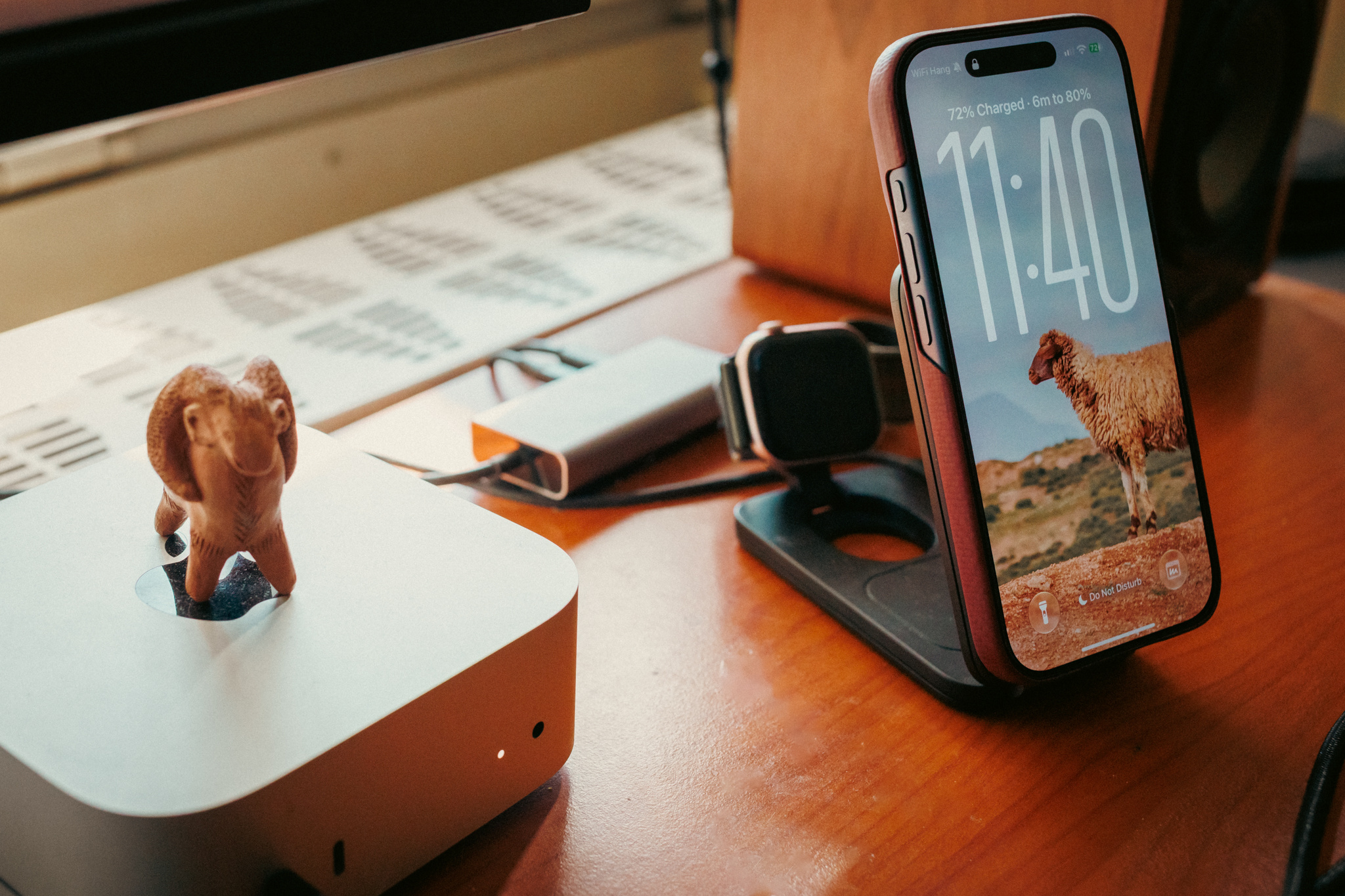
Best tested choice for a multi-device desk. In my October iPhone 17 Pro follow-up, the same ESR stand took 46 minutes over USB-C, 55 minutes with the fan on and 67 minutes with it off to reach 80%. Wireless runs used my PITAKA case. These are separate daily-use charging runs, not a controlled lab ranking. The KUXIU has not been retested with this phone.
With my previous iPhone 12 Pro, the published results were 79 minutes with the fan on, 120 with it off and 62 over USB-C. The newer-phone result is useful, but comparing those two reviews does not isolate the phone as the only changed condition.
Choose it if you want a powered station for phone, Watch and earbuds. Skip it if you charge only one phone, want silence at bedside, or expect the tested iPhone 12 Pro times to carry over to an iPhone 18 Pro.
View ESR CryoBoost on Amazon ↗ · Read the iPhone 17 Pro follow-up
4. KUXIU K1 Ultra 10,000mAh
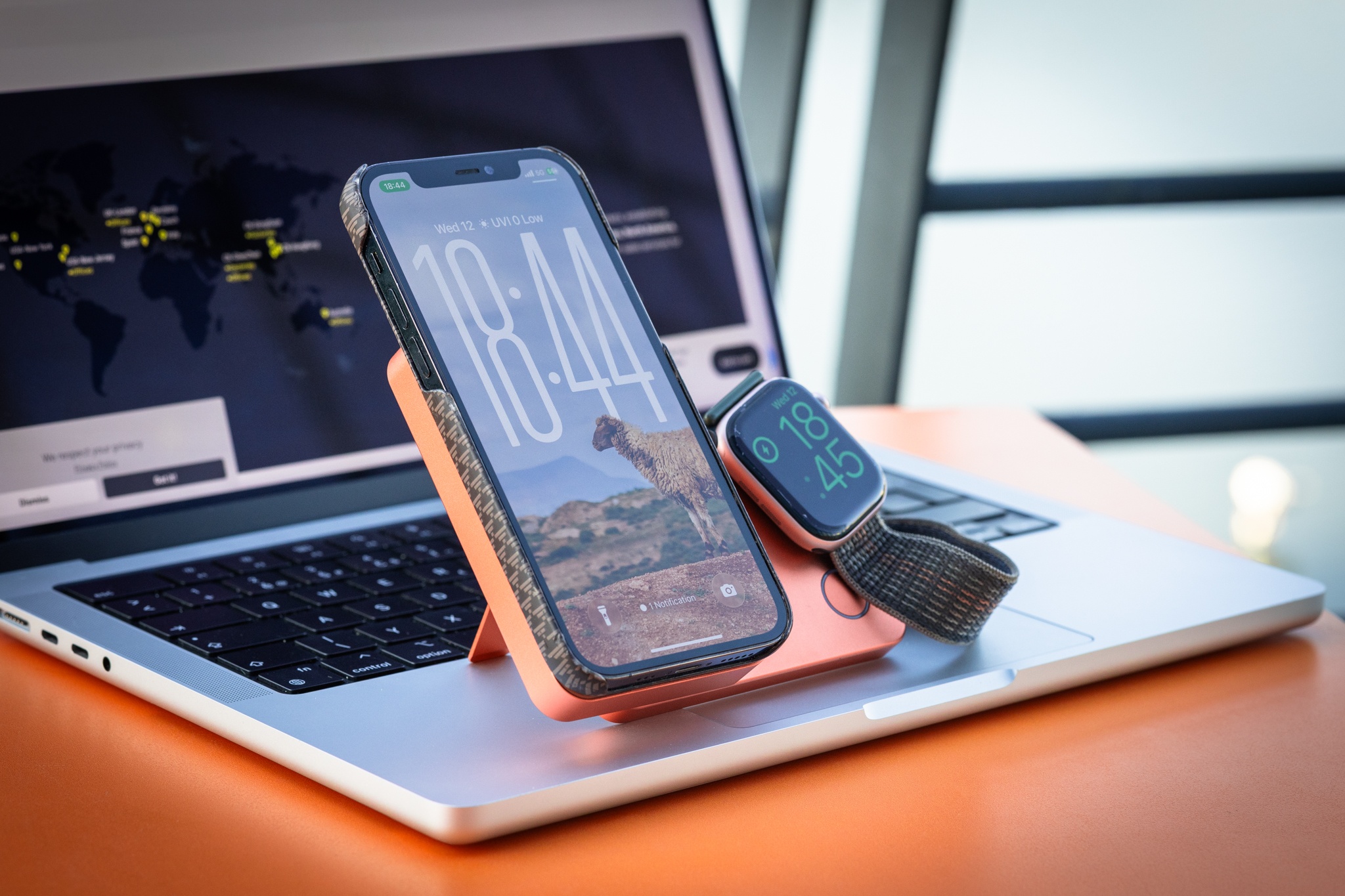
Best tested pick when a stand and battery need to travel together. The K1 Ultra combines a 10,000mAh battery, a phone stand and charging positions for Apple Watch and AirPods. My iPhone 12 Pro reached about 80% in roughly 144 minutes. The unit is thicker than a pocket-first power bank, and the result is not an iPhone 18 Pro test.
| Pick | Best for | Trade-off | Evidence |
|---|---|---|---|
| Apple 40W Dynamic adapter | Wired iPhone fast charging | One port; cable is separate | Apple specifications |
| Apple MagSafe Qi2 25W | Simple magnetic charging | Needs a suitable power adapter; no stand | Apple specifications |
| ESR CryoBoost | Fixed multi-device desk charging | Fan sound; mains power required | Own iPhone 12 Pro and 17 Pro charging runs |
| KUXIU K1 Ultra | Portable stand plus battery | Bulkier than a basic power bank | Hands-on iPhone 12 Pro test |
Before you buy
- Match the adapter, cable and wireless charger to the iPhone generation; a charger label alone does not guarantee the fastest rate.
- Use Qi2 or MagSafe if magnetic alignment and wireless convenience matter. Use a cable when speed or efficiency matters more.
- For a travel battery, check capacity, weight, airline rules and whether it can charge your other devices.
- Check the exact listing, region, included adapter, seller, warranty and return policy.
- Don't buy a 3-in-1 station for devices you do not own or plan to charge.
For the technical requirements, see our iPhone 18 Pro charging guide. For a deeper desk-versus-travel comparison, read charging stand or power bank?
Sources and test notes
Common questions
What is the best charger for iPhone 18 Pro?
For Apple's published fast-charge conditions, use a compatible USB-C adapter and cable. For wireless charging, the current Apple MagSafe Charger is Qi2 25W certified. Choose a stand or battery only if its extra features suit your routine.
Will a 65W USB-C charger damage an iPhone?
A standards-compliant USB-C Power Delivery adapter negotiates with the device, and the phone controls its charging. Follow Apple's requirements for your model and avoid damaged or uncertified equipment.
Are the ESR and KUXIU times from iPhone 18 Pro?
No. ESR now has iPhone 12 Pro and iPhone 17 Pro runs; KUXIU remains an iPhone 12 Pro test. Neither establishes iPhone 18 Pro charge speed.