
iPhone charger reuse
Can I use my iPad charger for my iPhone—or should I buy a new one?
Keep the iPad adapter you already own if it meets your needs. Compare everyday charging with Apple’s faster wired-charge requirements for iPhone 17 and 18 Pro.
By WannabeShepherd ·
Yes—but “it charges” and “it is the fastest option” are different questions
Apple allows its iPad and Mac power adapters to charge iPhone. Keep a working adapter if it gets you through the day. Upgrade for a specific need, such as a short top-up on an iPhone 18 Pro, rather than because the adapter came with an iPad.
This is a compatibility and purchasing guide based on Apple’s current documentation, checked 12 October 2026. Charging times are Apple’s test claims, not my measurements. Amazon product links are paid affiliate links.
As an Amazon Associate I earn from qualifying purchases.
| Situation | Reuse decision | Reason to buy |
|---|---|---|
| Older USB-A iPad adapter | Check cable and connector; useful for routine charging | You need faster USB-C charging or another location |
| 18W or 20W USB-C iPad adapter | Keep for everyday charging if speed is sufficient | You need the newer models’ shortest advertised top-up |
| iPhone 17 / 17 Pro / Pro Max | An existing adapter can still charge it | Apple’s roughly 20-minute 50% claim uses 40W or higher |
| iPhone 18 Pro / Pro Max | Reuse if you do not need the fastest top-up | Apple’s roughly 15-minute 50% claim specifies Dynamic adapter or qualifying AVS supply |
| Mac USB-C adapter | Apple permits reuse with iPhone | Another charger is useful only if sharing is inconvenient |
First, read the adapter—not the iPad’s model name
Apple’s iPad adapters span USB-A and USB-C designs and several wattages. Look at the label and the socket you have. Buying a cable for the wrong end can cost money without improving your charging routine.
For an iPhone with USB-C, use the correct USB-C charging cable with a USB-C adapter. An older USB-A adapter needs a compatible cable; it does not become USB Power Delivery fast charging because the cable’s other end is USB-C. For an earlier Lightning iPhone, match that connector too.
If you charge overnight or at a desk for hours, an existing adapter that reliably meets your needs may be the best purchase decision: buy nothing. If you routinely leave home with a low battery, the speed of a short top-up may matter more.
iPhone 18 Pro needs more than a large wattage number
Apple’s current fast-charge guidance specifies its 40W Dynamic Power Adapter with 60W Max or a comparable 60W-capable-or-greater third-party adapter with Adjustable Voltage Supply (AVS) and USB-PD 3.2 for the roughly 15-minute, 50% claim. Apple’s test note also mentions PD 3.1 or better with AVS; use the explicit current requirement when selecting a third-party replacement.
A generic “65W” label does not establish the necessary protocol or voltage support. Check the exact model’s specification, not just the number on an Amazon search thumbnail. The included USB-C cable is Apple’s suggested wired setup.
The older iPad adapter can still be useful. The faster claim is a reason to upgrade only if the time saved matters to you. It is not evidence that your existing adapter is incompatible.
For iPhone 17, check which model you mean
Apple separates iPhone 17, 17 Pro and 17 Pro Max from iPhone Air and 17e. Its current guidance gives the former group an approximately 20-minute top-up to 50% with 40W or greater, and Air/17e approximately 30 minutes with 20W or greater. These are controlled test claims; temperature and usage change your result.
Keep wireless charging out of this comparison. Powering a MagSafe or Qi charger introduces its own adapter requirements and losses. If that is your goal, use the iPhone charging accessory guide or read my ESR CryoBoost follow-up.
When I would buy the Dynamic adapter
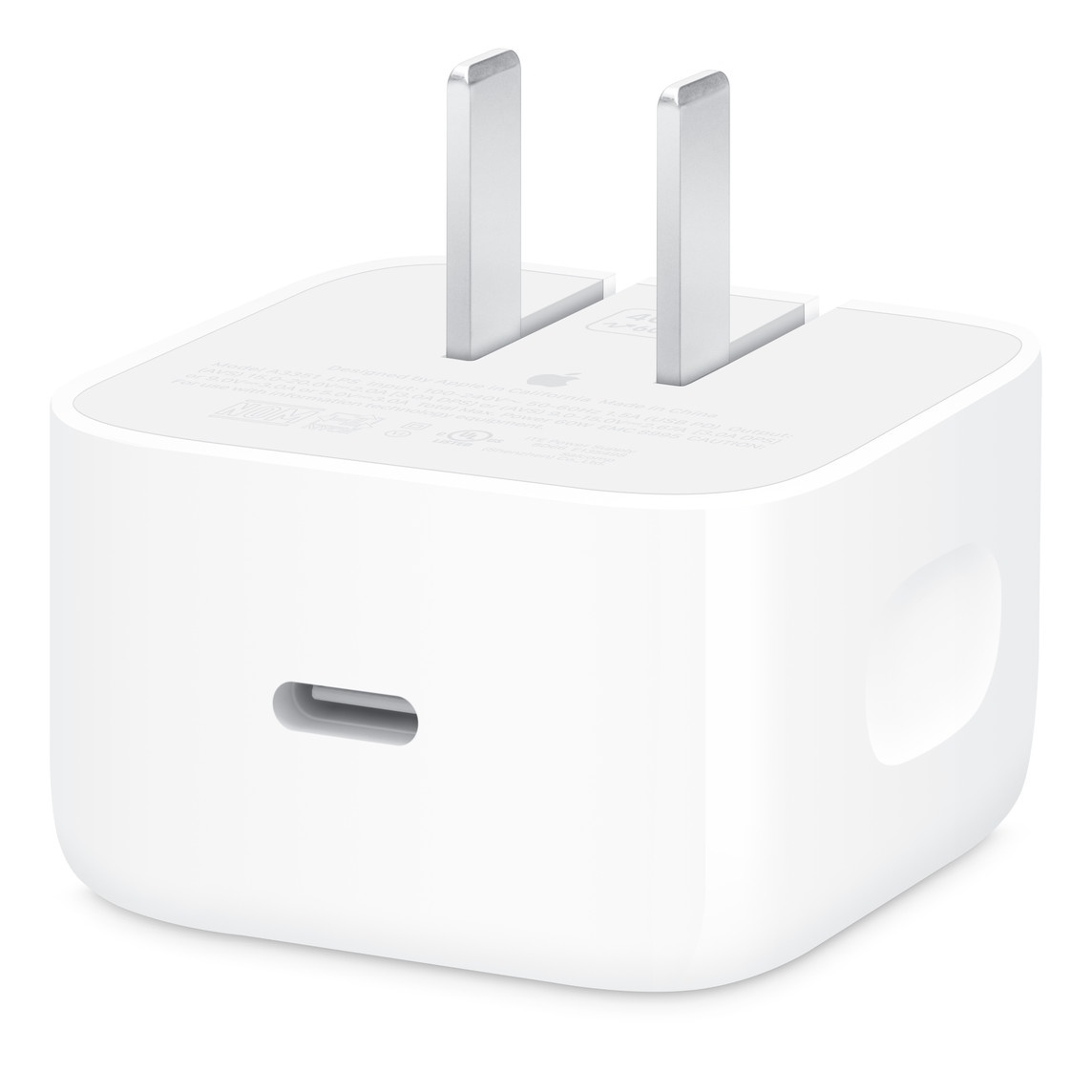
I would shortlist it for a newer iPhone’s short wired top-ups, or for someone who wants a compact single-port Apple charger and understands the local plug option. I would keep an existing iPad adapter when its speed is already sufficient.
The Amazon button points to the Apple 40W Dynamic Power Adapter with 60W Max, ASIN B0FQFPN3WR, checked by its product title. Verify the plug, seller and shipping region; a US listing is not automatically the right wall plug for Europe. The cable is a separate purchase if you do not already have one.
If you want to charge a MacBook and iPhone together, this single-port adapter solves a different problem. Compare a multiport setup in the one-charger guide and check power allocation while both devices are connected.
Sources and further reading
This guide uses the following manufacturer references and primary sources.
Common questions
Do I need a new charger just because I bought a new iPhone?
No. Apple permits iPad and Mac adapters to charge iPhone. Check your adapter, cable and whether its charging speed meets your needs.
Does every 60W or 65W charger meet iPhone 18 Pro’s fastest wired-charge requirement?
No. Check AVS and the supported USB Power Delivery version as well as wattage. The wattage alone is insufficient.
As an Amazon Associate I earn from qualifying purchases.