
Packing guide
What fits in the ALPAKA Elements Backpack Pro? My 24L tech and camera loadout
A documented 24-liter loadout with a 14-inch MacBook Pro, iPad, compact keyboard, camera kit and everyday essentials, plus the limits I reached.
By WannabeShepherd ·
It carries a full tech day without looking oversized
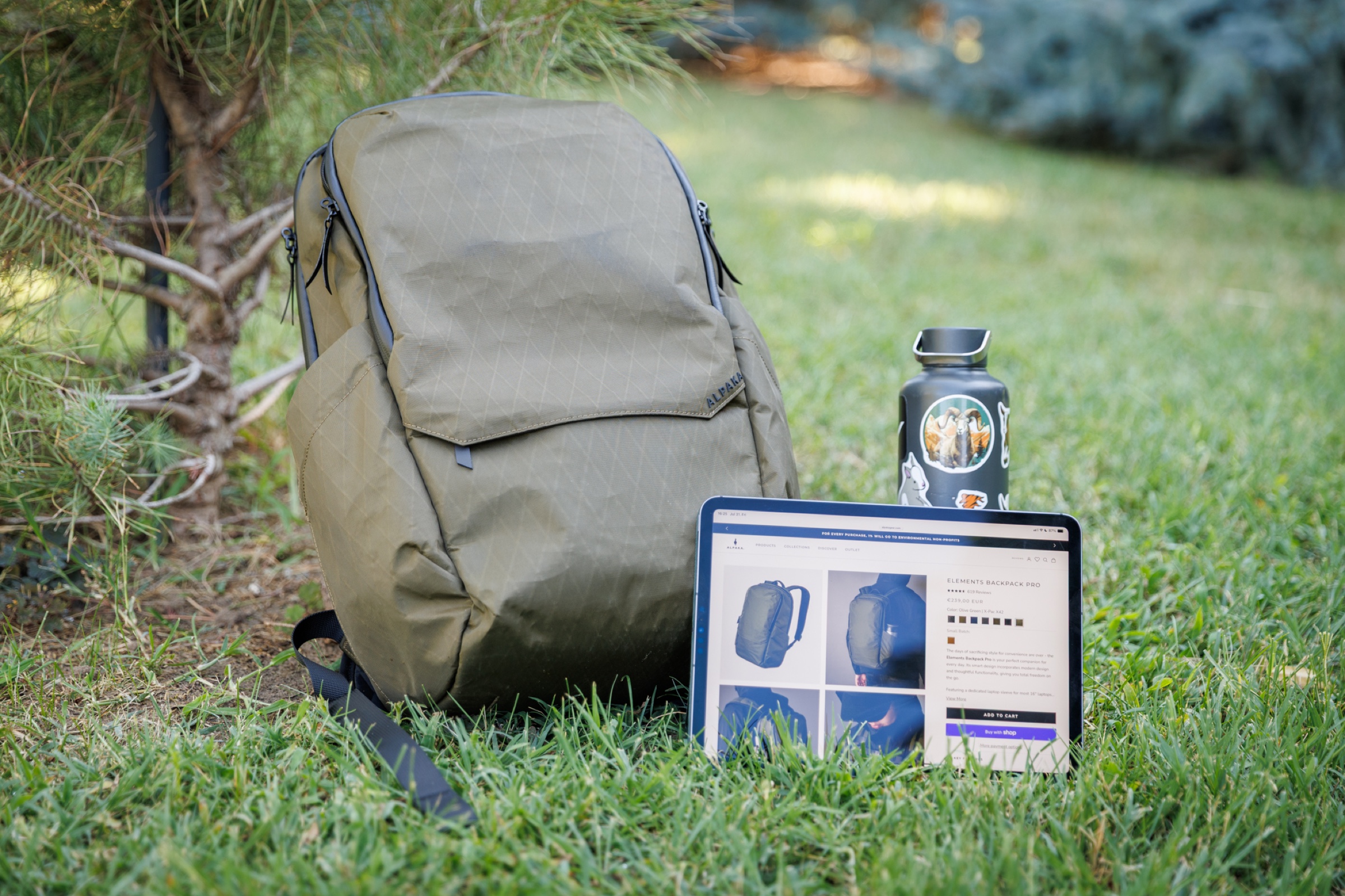
The 24-liter Elements Backpack Pro held my laptop, tablet, compact keyboard, mouse, small camera kit and daily essentials while keeping a slim profile. Its shared internal volume rewards careful packing, and I would add an insert before carrying camera gear regularly.
This guide documents the Olive Green X-Pac X42 review sample and the loadout used during my original test. It is not a new capacity measurement, a maximum-load claim or a weather test. ALPAKA supplied the review sample.
As an Amazon Associate I earn from qualifying purchases.
| Item | Packing position | What I noticed |
|---|---|---|
| 14-inch MacBook Pro | Padded laptop compartment | It fit easily and stayed separated from the main load. |
| iPad Pro | Front compartment | It fit with a Kindle and documents, but the pockets share the bag's overall volume. |
| NuPhy Air75 V3 and Keychron M7 8K | Main compartment | The compact keyboard and mouse fit, with small accessories easier to manage in pouches. |
| Canon EOS R6 Mark II, 40mm lens and Godox V480 | Main compartment | The compact kit fit, but the bag has no dedicated camera protection. |
| 1-liter water bottle | External bottle pocket | The bottle stayed secure even when I tilted the bag. |
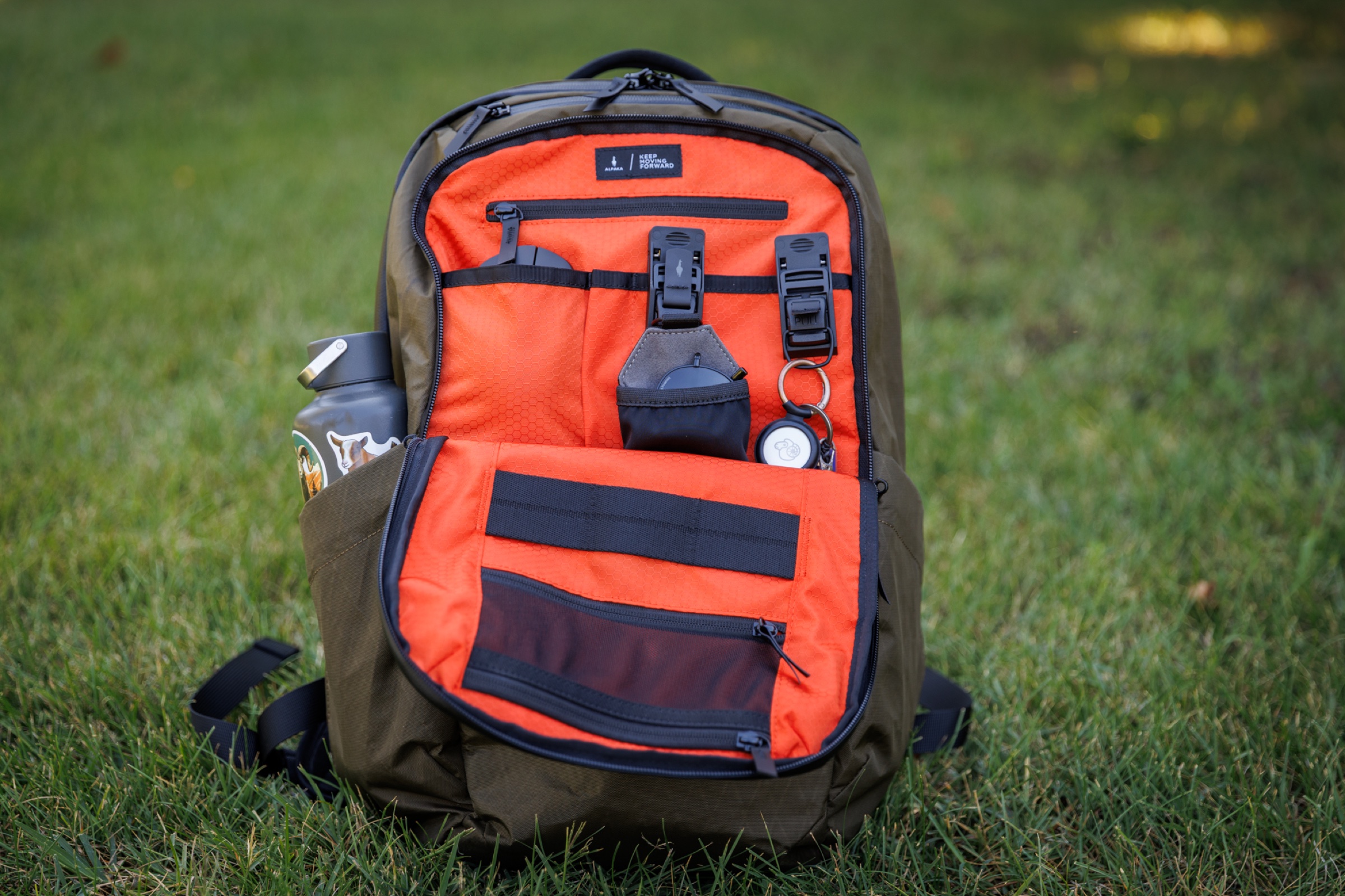
| Kindle, chargers, cables, keys and sunglasses | Front, top and internal pockets | The orange lining helped visibility; the smallest items still benefited from organizers. |
The complete loadout I documented
My test load included a 14-inch MacBook Pro, iPad Pro, NuPhy Air75 V3, Keychron M7 8K, Kindle, Canon EOS R6 Mark II with the compact EF 40mm f/2.8 STM, a Godox V480 flash, a 1-liter bottle, AirTag, sunglasses, keys, chargers and cables. I also used ALPAKA's HUB Keychain, Sunglasses Pouch, Carabiner and ModPanel Mini.
This was a realistic mix of work, photography and everyday items rather than a laboratory capacity test. The useful question was not whether every empty space could be filled, but whether the bag remained practical to carry and use.
Laptop and tablet fit without taking over the bag
The 14-inch MacBook Pro fit easily in the padded laptop compartment. Keeping it in a dedicated rear section left the main compartment available for the keyboard, camera gear and other bulky items.
The front compartment accepted the iPad Pro, Kindle, documents and a compact keyboard. Its pockets share the bag's overall volume, so loading one area heavily reduces the usable depth elsewhere.
Keyboard, mouse and small tech need deliberate placement
A 75% keyboard and wireless mouse make sense in this bag, but they are large enough to influence the rest of the packing order. I placed them where they would not press into the laptop or loose camera equipment.
The external top pocket worked well for sunglasses, a passport or earbuds, while the lower front pocket suited a power bank, mouse and flatter accessories. Chargers, adapters and cables were easier to retrieve when grouped instead of left loose in the main compartment.
A compact camera kit fits, but this is not a camera bag
The Canon body, compact lens and flash fit alongside my work gear. That made the bag usable for a light one-camera setup, including a short trip where clothes and a laptop also had to come along.
There are no padded camera dividers, and small photography accessories can disappear among the other contents. I would use a protective insert before treating the Elements Backpack Pro as a regular camera carrier.
Why the 24-liter bag still looks slim
The bag stands upright when packed normally, which made it easier to load beside a desk. Its narrow silhouette also kept the full setup from looking like an oversized travel pack.
The 1-liter bottle pocket held my bottle securely even when I tilted the bag. That kept hydration outside the main compartment without making the carry feel unbalanced.
The practical packing limits
Shared volume is the main constraint: a full front compartment pushes into the main compartment, and a camera kit quickly reduces the room left for clothing. The bag was comfortable and balanced for several hours under a fairly heavy load, although I eventually felt the weight.
I also missed a side handle, and the luggage passthrough only works with the bag horizontal. I did not test the X-Pac material in rain, so this guide does not make a weather-resistance claim.
Who this loadout suits
This setup suits someone who wants one slim bag for a laptop-based workday, compact desk gear and occasional photography. It is less convincing for a large camera kit, bulky lenses or anyone who wants every item isolated in its own padded section.
My review unit used X-Pac X42. The linked Amazon listing may use a different fabric, so check the selected material and configuration before ordering.
As an Amazon Associate I earn from qualifying purchases.
The original review
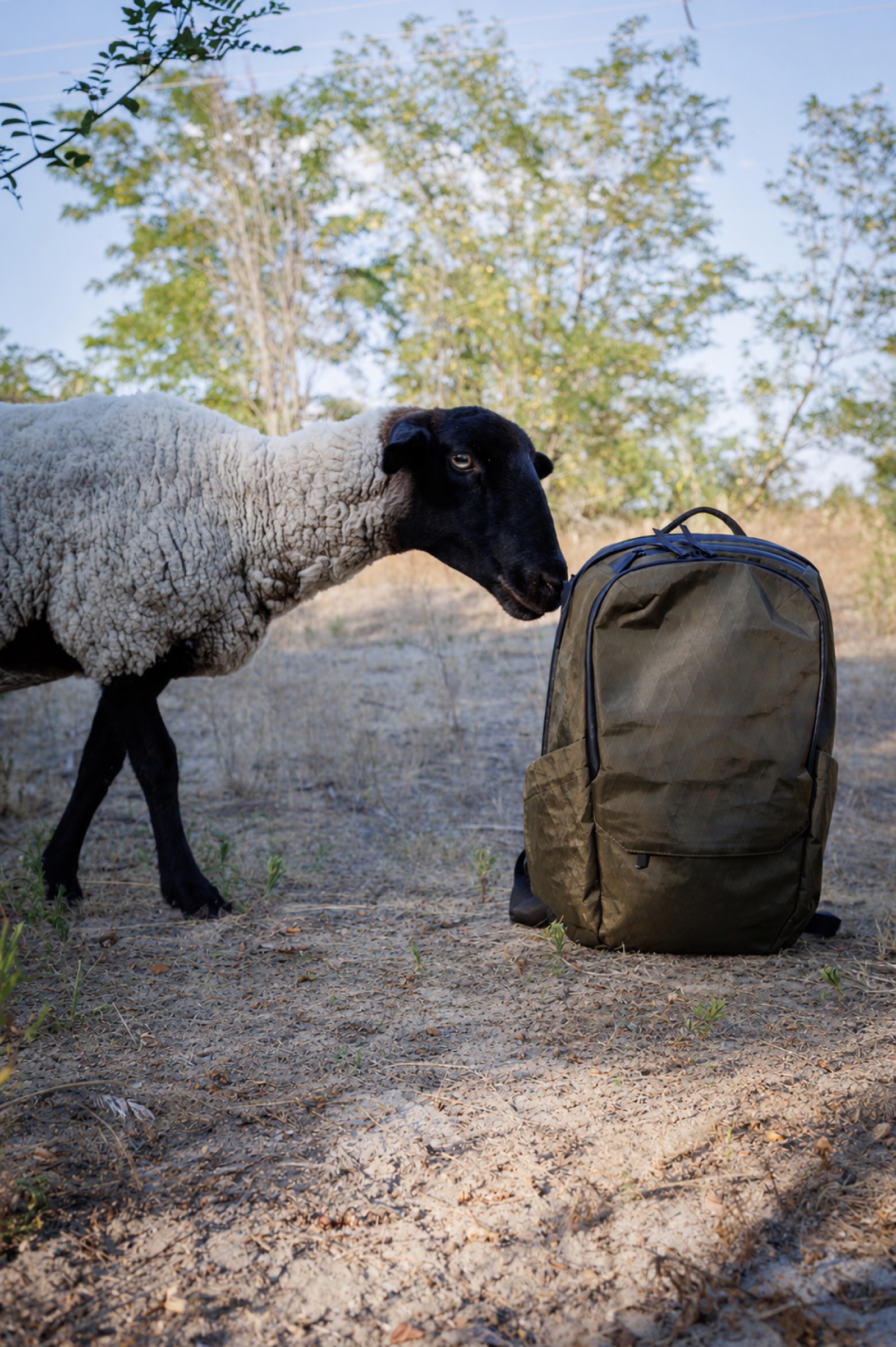
ALPAKA Elements Backpack Pro X-Pac
A lightweight 24-liter X-Pac backpack tested for everyday tech carry, work and light travel.
Read review