
Why macOS would not update from my external SSD
My external macOS clone booted normally but would not find an RC update. The missing APFS Update volume was the problem; here are the checks and the repair that worked.
By WannabeShepherd ·
In this article
My M4 Mac mini was booting and working from an external SSD, but Software Update insisted it was up to date. I had enabled Developer Beta updates and restarted. Still nothing.
This happened on 21 October 2026. The installed system reported macOS 27.0.1 (26A434); the update I was looking for was macOS 27.2 RC (26B118).
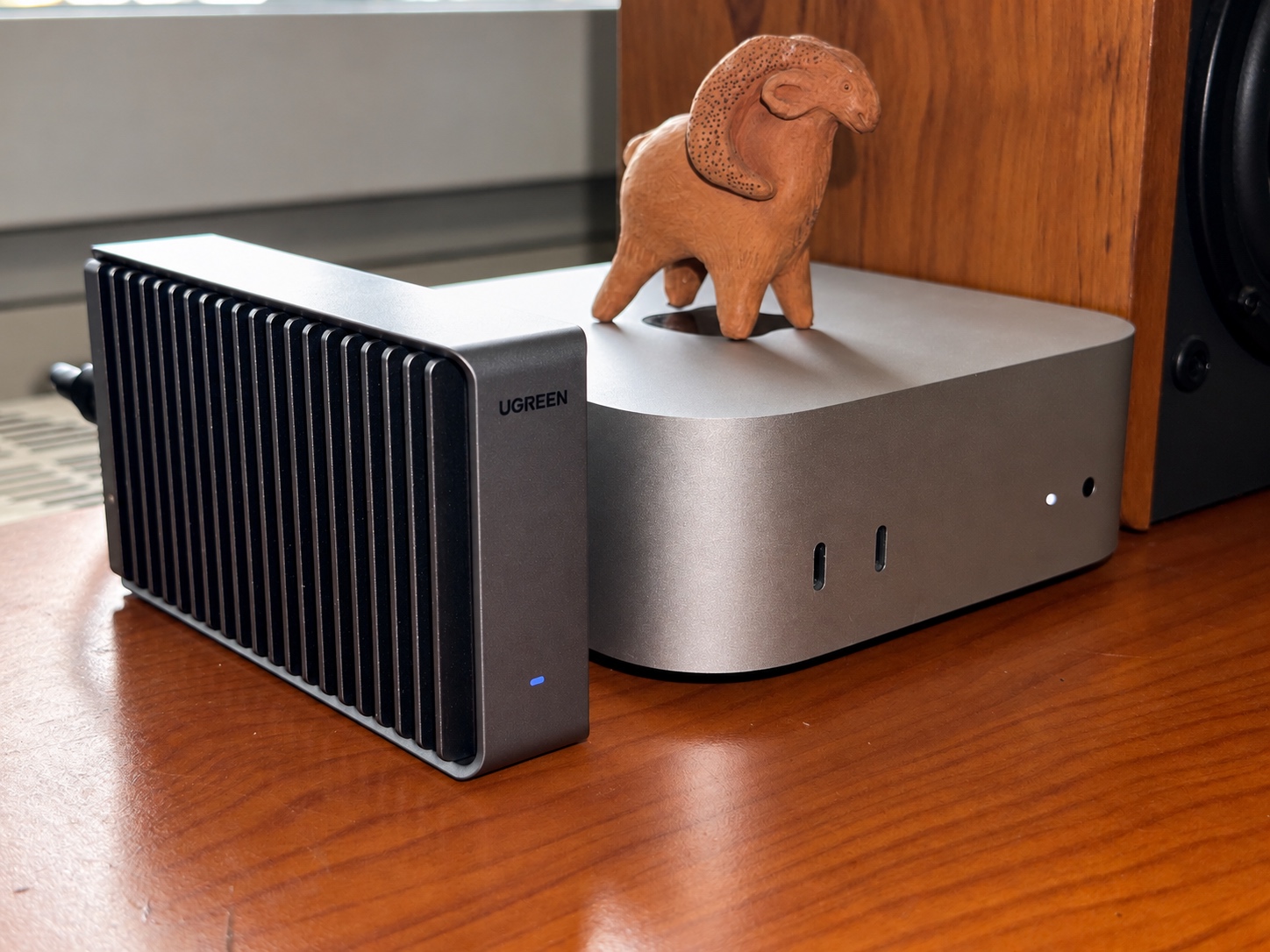
The external system was a CCC clone on a 1TB Samsung PM9A1 in a UGREEN D700 enclosure. It booted, my applications worked, and there was plenty of free space. The missing piece turned out to be an APFS volume called Update.
The update was reaching my Mac
At first, the errors looked like a failed download or an unavailable update component. The logs then showed that Apple's service had returned the target build's information successfully. The local preparation failed while creating this directory:
/System/Volumes/Update/MobileAsset/AssetsV2/com_apple_MobileAsset_MobileSoftwareUpdate_MacUpdateBrainThe errors included NSCocoaErrorDomain Code=513, Operation not permitted, and later codes 7307 and 8401. Meanwhile, the settings window kept saying the system was up to date.
The external APFS container had System, Data, Preboot, Recovery and VM volumes. There was no volume with the Update role, and no writable Update volume mounted at /System/Volumes/Update. The directory existed, but that wasn't the same thing.
A missing update in Settings alone wouldn't justify changing the APFS layout. Here, both the missing Update role and the matching write errors were present.
Identify the running system first
I had kept the old internal installation, so simply finding a disk named “Macintosh HD” wasn't enough. The target had to be the APFS container shared by the currently running external System and Data volumes.
These commands inspect the system and its mounts without changing the APFS layout:
sw_vers
diskutil info /
diskutil info /System/Volumes/Data
diskutil apfs list
mount
The root volume can appear as a System snapshot. Follow it back to its System volume and container in the APFS listing. Confirm that the mounted Data volume belongs to that same container, then follow its Physical Store to the external SSD. Check the physical device's identity, capacity and external location; don't select the old internal installation or a backup container by mistake.
Within that container, inspect the roles, not just the volume names. The check is whether an Update-role volume exists anywhere in it. A volume called Update isn't sufficient evidence of the right role; a differently named Update-role volume must not be overlooked.
If an Update-role volume already exists, this creation procedure doesn't apply. Its mount state or another problem needs investigating instead. My repair followed both the missing-role finding and the matching log errors above.
What failed and what worked
The first idea was a macOS reinstall over the existing external system. I asked whether we could restore the missing volume instead.
Before changing APFS volumes, have a current backup on another device. The next command changes the startup disk's volume structure; the checks above are there to establish whether it belongs in your case at all.
The first attempt combined creation with -mountpoint /System/Volumes/Update. It failed with:
Error starting APFS Volume creation: Couldn't mount disk (-69842)A follow-up inspection confirmed that no new Update volume had been left behind. I wouldn't repeat a creation command after an error without checking that first.
The successful approach separated creation from mounting. The local diskutil manual (man diskutil) identifies E as the Update role and documents -nomount. This is the repair that worked on my installation; I haven't found an Apple troubleshooting guide prescribing it. This was the command template:
sudo diskutil apfs addVolume diskX APFS Update -role E -nomountReplace diskX with the freshly verified APFS container reference for your running external System and Data volumes. Do not copy a disk number from another Mac or an old log. It is not the physical disk, its partition, or an individual System/Data volume. Disk numbers can change after a restart.
The command added a volume rather than erasing the container. Its output confirmed creation, and the next inspection confirmed the Update role. Inspect the new volume with diskutil info and record its identifier and Volume UUID so you can recognise it after restarting.
A direct attempt to mount it with mount_apfs still returned Operation not permitted. I don't have a proven explanation for that refusal. I then restarted from the same external installation with the new volume present.
After the restart
This time macOS mounted the new volume automatically. The follow-up checks were:
diskutil info /System/Volumes/Update
diskutil apfs list
mount
The new volume was mounted at /System/Volumes/Update and was writable. The APFS listing confirmed its Update role in the intended external container. For the same check on your Mac, compare its Volume UUID with the one you recorded before restarting, and look for Mounted: Yes and Volume Read-Only: No.
After that, I checked for updates again:
softwareupdate --listThat lists available updates; it doesn't install them. The RC appeared, the missing helper directory was created, and Settings changed to “Downloading macOS 27.2…”.
That evening's record ends at the download. I later confirmed that the installation completed successfully, although I didn't record the final installed build in that follow-up. No reinstall or SIP change was needed for this repair.
The USB-C port
Apple's external startup disk guide says to avoid the DFU port when installing macOS, while allowing it for an already installed system. The M4-specific Twocanoes port guide identifies the middle rear port as DFU.
My SSD was already connected to an outer rear Thunderbolt port, so moving the cable wasn't part of this repair.
I don't know why the Update volume was missing from the clone. In this case, adding it without mounting it, then restarting, gave macOS a writable workspace and let the update go through.
The hardware choices, benchmarks and everyday use are in my external-SSD Mac mini review.