
Kindle upgrade guide · 4 October 2026
Kindle Paperwhite 2024 vs 2026: should you upgrade?
The 2024 Paperwhite already covers the features many readers buy it for. Amazon’s 2026 refresh focuses on a thinner, lighter body and new Signature controls and accessories. If your current reader works well, start with the differences that would change your routine.
Paid Amazon links. As an Amazon Associate I earn from qualifying purchases.
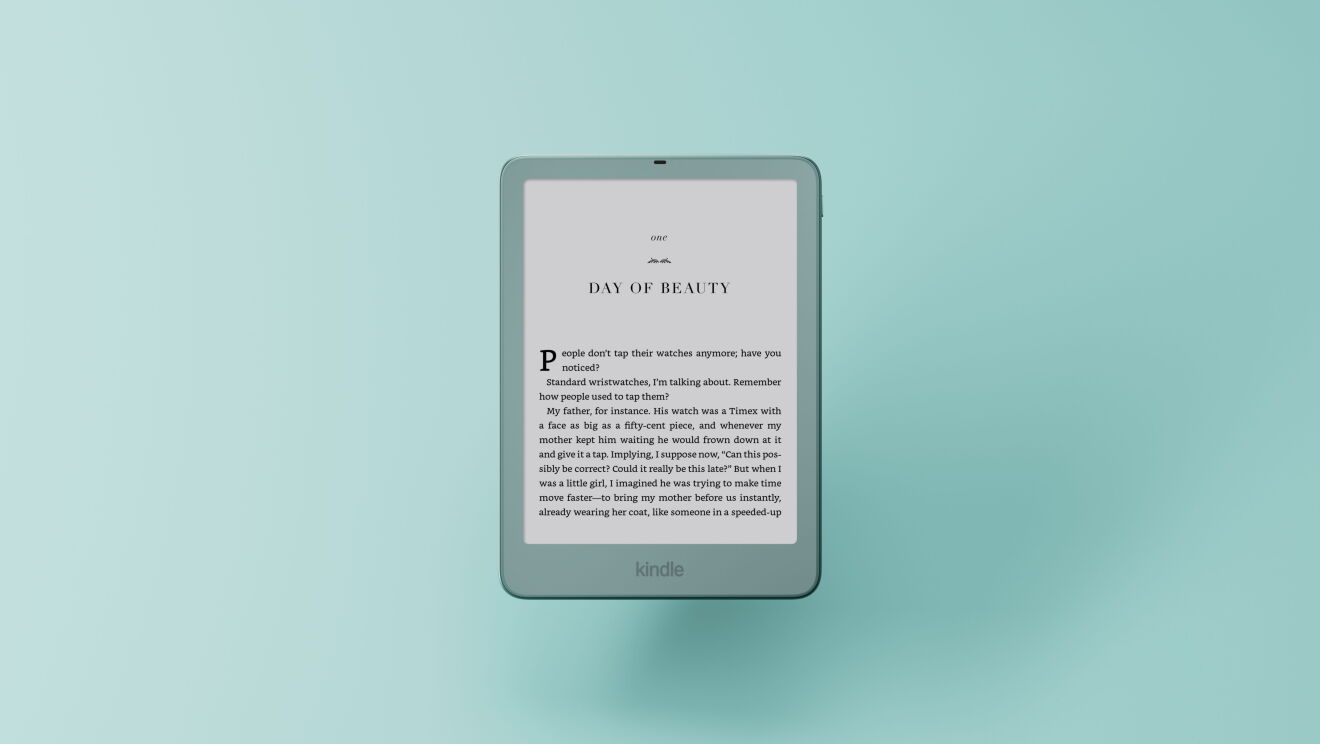
At a glance
Keep your 2024 Paperwhite unless you want the new Signature controls
Warm light and waterproofing are already reasons to keep the 2024 Paperwhite. For remote page turning, check Kindle Click before replacing it. The 2026 Signature is the upgrade to compare if you want a pogo-pin button cover, docking or double-tap control.


The short answer
Keep the 2024 Paperwhite if you mainly want a large monochrome page, warm light and water resistance: those are already part of that generation. Consider the 2026 model if a thinner, lighter design matters to you, or if you specifically want the new Signature Edition’s button cover, charging dock or double-tap control.
If remote page turning is the only thing you want, Amazon says the separate Kindle Click works with Kindle devices released in 2024 or later. That may solve the problem without replacing a working reader. See the 2026 Kindle accessory compatibility guide.
What the 2024 Paperwhite already does
Amazon’s 2024 launch announcement describes a 7-inch display, adjustable warm light, waterproofing and up to three months of battery life for the Paperwhite. The Signature Edition adds 32GB, automatic front-light adjustment and wireless charging support. These are manufacturer specifications, not my own battery or screen test.
That means the core reading experience is not new in 2026. If your reason for upgrading is simply “I want a bigger screen, warm light or a waterproof Kindle,” compare your exact 2024 model before buying.
What changes in 2026
Amazon describes the new Paperwhite family as thinner and lighter, with a flush front. The regular Paperwhite is listed with a 7-inch monochrome display, warm light, waterproof design and up to 12 weeks of battery life. The Signature Edition adds a 32GB configuration, aluminum rear housing, auto-adjusting light, pogo-pin dock support and double-tap page turning.
The Signature model is also one of the two 2026 readers Amazon lists for the magnetic Page-Turn Cover. The regular Paperwhite is not on that compatibility list. Check the separate accessory guide before buying a case or dock.
| Your model | What matters before buying |
|---|---|
| 2024 Paperwhite · 16GB | Already has a 7-inch monochrome screen, warm light and waterproofing. Kindle Click is listed as compatible; the 2026 button cover is not. |
| 2024 Signature · 32GB | Already adds auto-adjusting light and wireless charging. Do not treat its wireless dock as the new pogo-pin accessory system. |
| 2026 Paperwhite · 16GB | Thinner, lighter redesign. The standard model is not listed for the new Page-Turn Cover or Signature charging stand. |
| 2026 Signature · 32GB | Adds aluminum housing, auto-adjusting light, pogo-pin docking and double-tap page turning. This is the Paperwhite listed for the new button cover. |
A 2024 purchase date does not identify the device release year. Check the full model in Device Info. The accessory model checker separates Click support from cover and dock fit.
A practical upgrade checklist
- You read novels and your 2024 Paperwhite is comfortable: keep it; no launch specification alone makes replacement necessary.
- You want physical buttons on the case: compare the 2026 Paperwhite Signature plus Page-Turn Cover, and confirm the bundle and compatibility on Amazon.
- You want a remote from across the room: check Kindle Click compatibility with your current model first.
- You want a lighter body: handle both generations if possible; the announcement does not quantify the difference in a way that proves it will feel significant to you.
- You want color pages: compare Colorsoft separately; that is a different reason to upgrade.
Check the current model
Amazon.com product pages can show multiple generations and configurations. Verify the model name, generation, storage and seller on the live page before checkout. We do not display prices here because they change.
Paid Amazon links. As an Amazon Associate I earn from qualifying purchases.