
Kindle model comparison · 3 October 2026
Kindle Paperwhite vs Paperwhite Signature (2026): which should you buy?
Both 2026 models have a 7-inch monochrome screen, warm light and waterproofing. Choose the standard Paperwhite for the core reading setup; choose Signature if you will use its extra storage, automatic light or magnetic accessories.
As an Amazon Associate I earn from qualifying purchases.
At a glance
Kindle Paperwhite vs Signature Edition: what do you get?
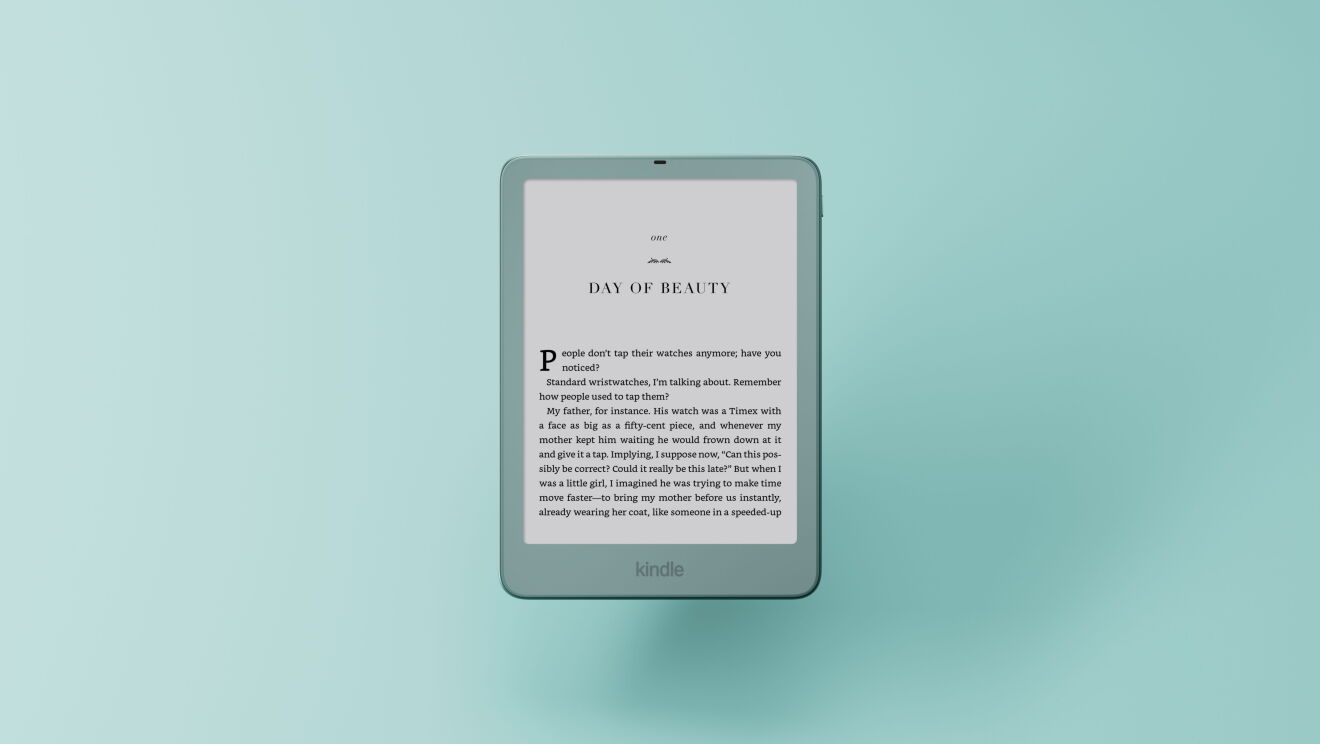
The 2026 Paperwhite and Paperwhite Signature share the core 7-inch monochrome reading format. The choice comes down to storage, finish, automatic lighting and whether you want the new magnetic accessories.

The quick choice
Choose the standard Paperwhite if 16GB is enough and you want the core warm-light, waterproof Paperwhite. Choose Signature if you want 32GB, the aluminum rear, auto-adjusting front light, double-tap page turning, or compatibility with the new Page-Turn Cover and charging dock.
Amazon does not describe the Signature screen as sharper or higher resolution in its launch announcement. The upgrade is about the named extras, not a proven improvement in text quality.
Side-by-side
| Feature | Paperwhite | Paperwhite Signature |
|---|---|---|
| Display | 7-inch monochrome | 7-inch monochrome |
| Storage | 16GB | 32GB |
| Warm light / waterproof | Yes | Yes |
| Rear finish | Standard finish | Aluminum |
| Automatic front light | Not listed | Yes |
| Pogo-pin charging dock | Not listed | Supported with separate dock |
| Page-Turn Cover | Not listed as compatible | Listed as compatible |
| Better fit if… | You want core Paperwhite reading and do not need the Signature extras. | You will use 32GB, the auto light, aluminum rear, double-tap page turning, or the new cover/dock. |
When the Signature extras matter
The dock and Page-Turn Cover are the clearest deciding features. Amazon lists both for the 2026 Paperwhite Signature and Colorsoft Signature. If you want a physical page-turn button on the device cover, confirm the Signature model and the separate cover are both in your plan.
Auto light is useful if your reading spot changes often. The 32GB capacity matters most if you keep a large library of graphic novels, audiobooks or downloaded books on the device. If your library is mostly text and synced through your Amazon account, the standard model may already fit.
What Signature does not guarantee
Signature is a feature tier, not evidence of a better reading experience for every person. Amazon’s announcement does not establish a different text sharpness, faster page turns in ordinary use, or a battery improvement over the standard 2026 Paperwhite. I have not tested these models side by side.
Also check generation compatibility carefully. The new button cover and dock use the 2026 Signature accessory system; do not infer compatibility from an older Paperwhite Signature name.
Check the exact listing
Verify the 2026 model, storage and selected color on Amazon.com. Retail pages may include multiple generations and configurations, and live availability can change.
Paid Amazon links. As an Amazon Associate I earn from qualifying purchases.