
Mac / portable SSD buying guide
Samsung T9 vs T7 Shield for Mac: is the faster drive worth it?
Compare Samsung T9 and T7 Shield for a Mac: USB modes, exact 2 TB models, capacity, warranty and why a faster port label does not guarantee faster storage.
By WannabeShepherd ·
Check the USB mode before paying for speed
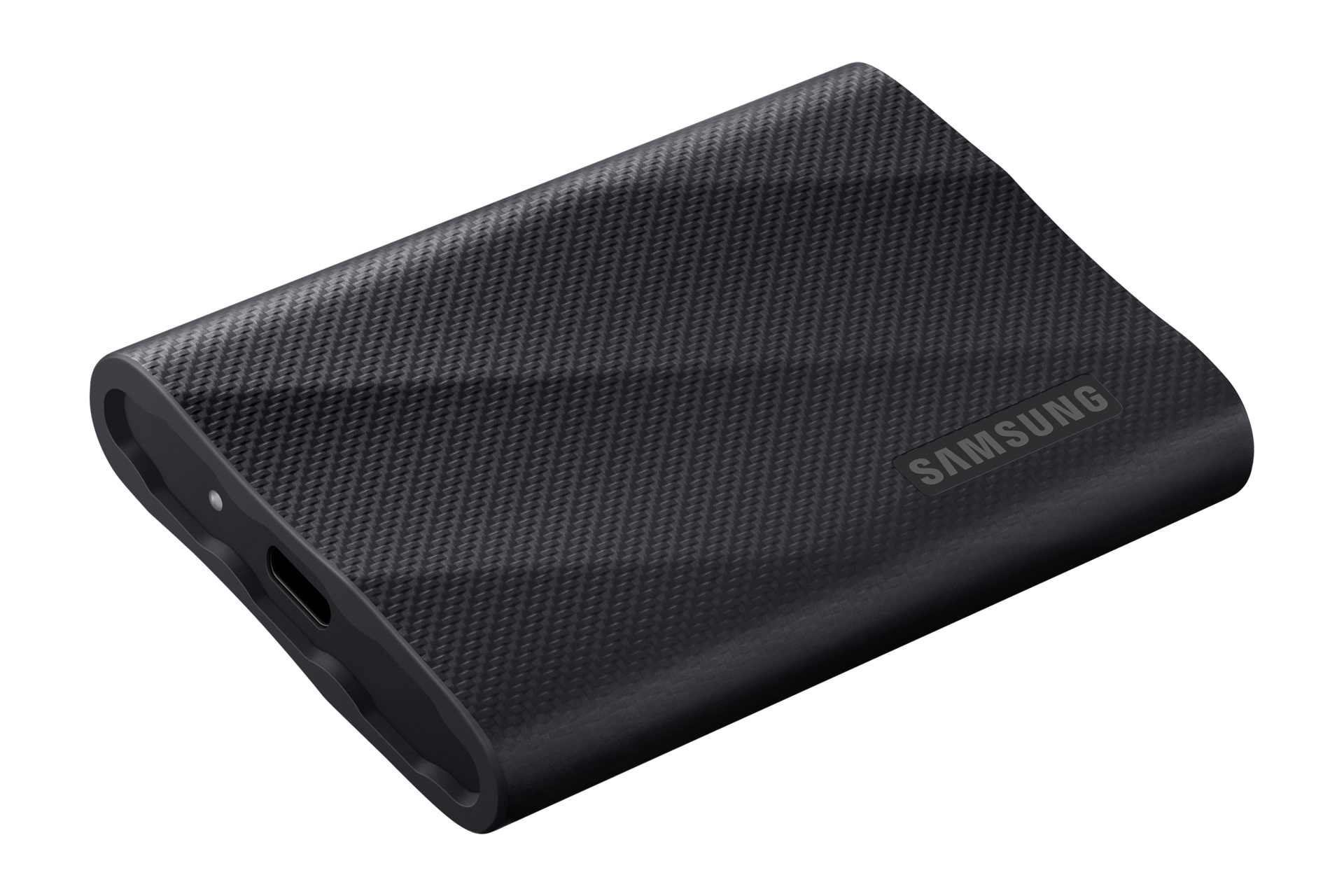
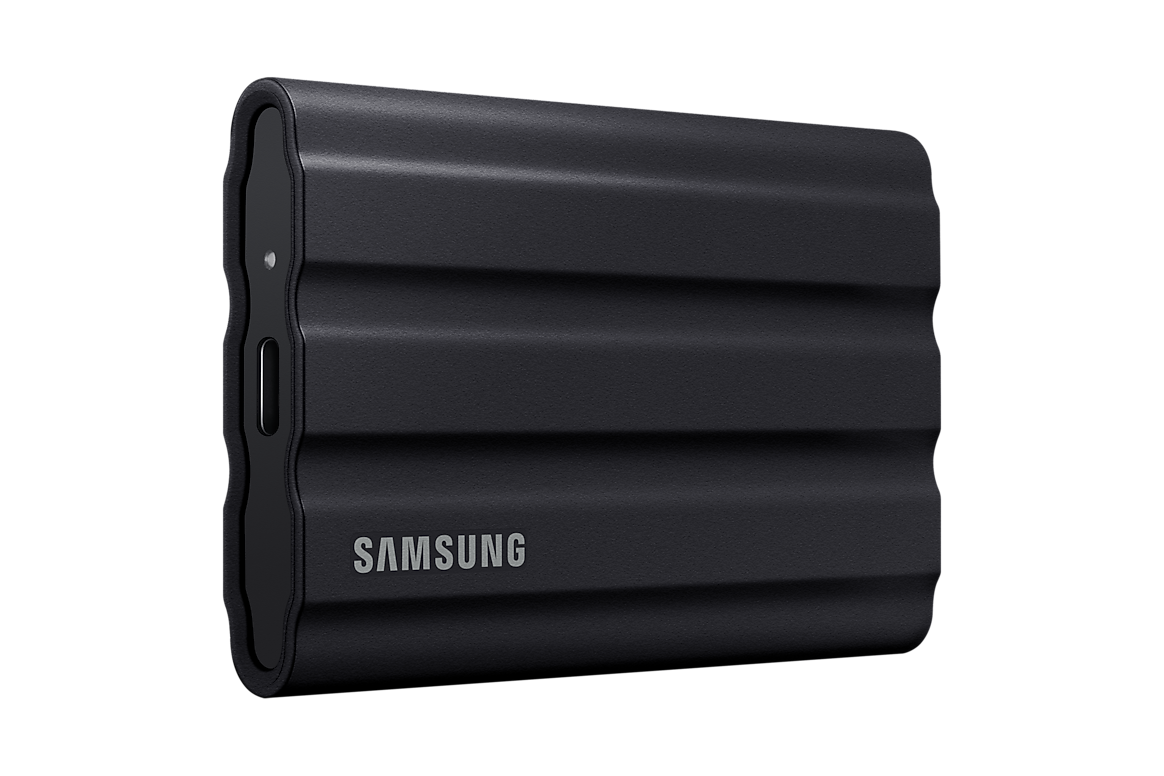
For a Mac storage path limited to USB 10Gbps, compare the T7 Shield first. The T9’s headline speed needs USB 3.2 Gen 2×2 support from the host and cable. A Thunderbolt or USB4 label alone does not establish that support. The T9 can still make sense for its longer warranty, a similar price, or a second computer with verified Gen 2×2.
This is a comparison of manufacturer specifications, not a hands-on SSD review or benchmark. I have not tested either drive. The Amazon targets are US black 2 TB models. Links are affiliate links.
As an Amazon Associate I earn from qualifying purchases.
| Check | Samsung T9 2 TB | Samsung T7 Shield 2 TB |
|---|---|---|
| US model | MU-PG2T0B/AM | MU-PE2T0S/AM |
| USB interface | USB 3.2 Gen 2×2 · 20Gbps | USB 3.2 Gen 2 · 10Gbps |
| Maximum sequential read | 2,000 MB/s | 1,050 MB/s |
| Maximum sequential write | 1,950 MB/s in detailed 2 TB data sheet | 1,000 MB/s |
| Published ingress rating | No IP65 claim in the cited T9 data sheet | IP65, under controlled test conditions |
| Limited warranty | 5 years | 3 years |
| Size and weight | 88 × 60 × 14mm · 122g | 88 × 59 × 13mm · 98g |
| Included cables | USB-C to C and USB-C to A | USB-C to C and USB-C to A |
Why 40Gbps on the Mac does not settle the question
The T9 uses two 10Gbps USB lanes for its 20Gbps mode. Samsung explicitly requires a USB 3.2 Gen 2×2 host and suitable cable for its maximum transfer claim. Thunderbolt, USB4 and USB 3.2 Gen 2×2 are different modes; comparing their largest numbers is not a compatibility check.
Apple lists the 2024 M4 Mac mini’s front USB-C ports at up to 10Gbps, with Thunderbolt 4 and USB4 at the rear; the M4 Pro has Thunderbolt 5 at the rear. The current Mac mini specifications likewise list 10Gbps front ports and rear Thunderbolt/USB4 modes. Those published ratings do not establish T9 Gen 2×2 operation.
On a 10Gbps connection, both drives face that link limit. This does not prove identical real-world performance, but it removes the basis for expecting the T9’s advertised twofold speed advantage. I would ask for support for the exact USB mode on the exact computer before paying a premium for that advantage.
A 2 TB T9 does not have every specification of the 4 TB model
Samsung’s detailed T9 data sheet lists 2,000 MB/s reads for all three capacities, but writes of 1,950 MB/s for 1 TB and 2 TB; the 4 TB version reaches the stated 2,000 MB/s write maximum. Its current general memory buying guide rounds the T9 write claim to 2,000 MB/s. The table above follows the capacity-specific data sheet.
The Amazon links select black 2 TB drives: B0CHFS9K14 for T9 and B09VLHR4JC for T7 Shield. Check the selected capacity and model after any colour or size change. In the checked T7 Shield session, the offer was used; the listing is a model reference, not a promise of a new unit in stock.
For a photo library, capacity may be the better upgrade
Compare the same capacity, condition and delivered price first. Then ask what actually takes time: importing from a camera card, moving a large folder, opening previews or exporting photographs. A slower card reader or source drive can limit a copy before the destination SSD does. Peak sequential speed alone cannot predict a Lightroom workflow.
If your working library is already close to filling the drive, additional capacity may solve a more immediate problem than a faster interface your Mac cannot use. Keep another copy of the photographs: a portable SSD holding your only originals is storage, not a backup strategy. The Mac photo-editing setup guide covers the rest of that purchase.
Warranty and outdoor use are separate reasons to choose
The T9 has a longer limited warranty. The T7 Shield advertises IP65 resistance, which should not be read as permission to submerge it. Samsung’s water, dust and drop claims are based on controlled tests; physical or liquid damage is not automatically covered by the warranty.
For carrying a drive outside, the Shield’s published ingress rating is useful to compare. For mostly indoor work, the longer T9 warranty may matter more. Neither specification tells us which drive survives a particular accident, and neither replaces a second copy of your files.
When I would choose each drive
T7 Shield: a confirmed 10Gbps Mac path, a better delivered price for the same capacity and condition, or a preference for its published ingress rating. Do not assume it is always cheaper; compare the current offers.
T9: a confirmed Gen 2×2 computer elsewhere in your workflow, a small or absent price premium, or a preference for the five-year limited warranty. I would keep a working T9 rather than replace it just because a Mac does not use its maximum mode.
If you need a faster Mac storage path, compare an actual USB4 enclosure and compatible NVMe drive as a complete purchase. Buying a faster dock label does not convert a T9 into a USB4 SSD. See the Mac mini dock and storage shortlist for the enclosure, cable and drive costs.
Sources and further reading
This guide uses the following manufacturer references and primary sources.
Common questions
Will the Samsung T9 run at 2,000 MB/s on my Mac?
Do not assume so from a Thunderbolt or USB4 port label. Samsung requires USB 3.2 Gen 2×2 host and cable support for its maximum claim. A 10Gbps USB path cannot deliver that advertised rate.
Will a Thunderbolt dock make my T9 faster?
Only if the complete host-to-drive path supports the required mode. A dock’s headline upstream speed does not establish Gen 2×2 on the USB port you connect the T9 to.
Should I replace a T9 I already own with a T7 Shield?
A limited Mac connection alone is not a reason to replace a working T9. Compare an actual problem you need to solve, such as capacity, protection or faster storage on a supported interface.
As an Amazon Associate I earn from qualifying purchases.